
Jan 5, 2026
How We Redesigned 15+ Production Pages Using Claude Code as the UI Architect
We redesigned 15+ pages of a production Django app from Bootstrap to Tailwind
using Claude Code.
The constraint files we set up let Claude work autonomously. Analyzing patterns,
reorganizing layouts, and maintaining consistency across pages.
Claude created detailed plans for every page. We reviewed and adjusted them,
and Claude implemented. We caught one permission bug in testing. Everything else worked.
The Challenge
We had a working Django workforce management application in production with real users.
The owner wanted to modernize the UI - Bootstrap to Tailwind - but with one critical constraint:
"Don't change workflows. Don't retrain employees."
The UI needed to look modern, but users needed to find everything exactly where they expected it.
Backend logic couldn't change.
User workflows had to work the same way.
Navigation structure had to stay intact.
Just the visual presentation. For 15+ pages of templates.
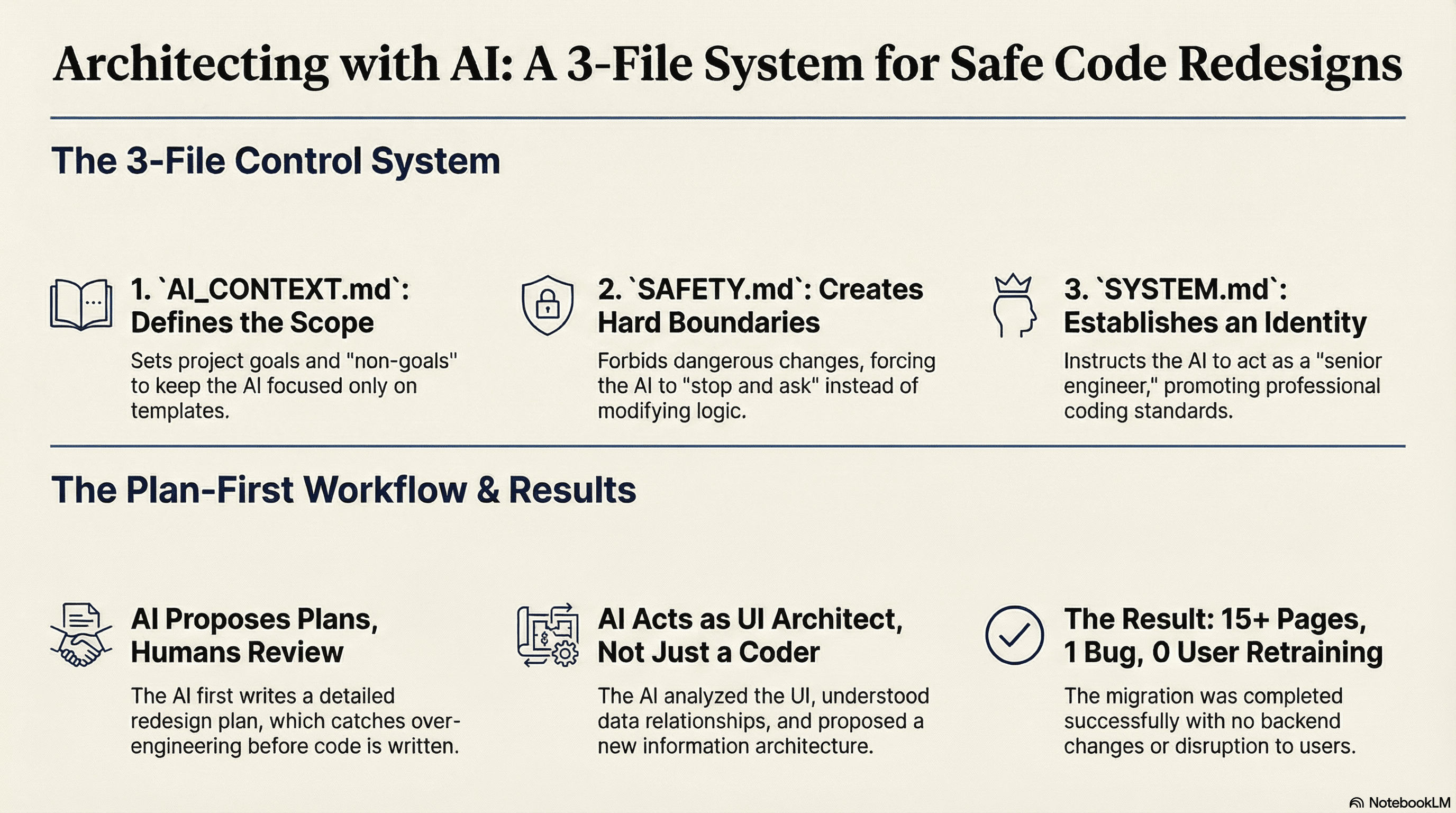
The Three-File Control System
Instead of controlling Claude through prompts and chat history, we created three files that define the boundaries of what Claude can do.
Autonomy is earned through constraints, not assumed. These boundaries are what make autonomous work safe.
These files get read at the start of every session. Claude can't forget what's written in the repository.
AI_CONTEXT.md - The Scope Boundary
This file defines what the project is and what we're NOT doing.
The "Non goals" section is critical. It tells Claude what NOT to suggest.
Without this, Claude might propose React components, view refactors, or API-driven SPAs.
With this, Claude stays focused: templates only, incremental changes, preserve behavior.
SAFETY.md - The Hard Boundaries
This is the most important file. 15 lines that prevent dangerous changes.
The last line is the key behavior: "Stop and call it out."
Real example from our project:
Request: "Add a print button to the worker detail page"
Claude's response: Adds the button, notices the permission check could be optimized, but doesn't touch it. Instead:
"I observed the permission check could be optimized, but SAFETY.md prevents modifying authentication logic without explicit permission. Should I propose that separately?"
The file changed the default behavior from "be helpful" to "stop and ask."
SYSTEM.md - The Engineering Identity
This file defines how Claude should think and act.
The first line matters: "You are a senior Django engineer."
Not "You are an AI assistant." You are a senior engineer. This is your codebase.
This framing changes behavior. Senior engineers ask before changing architecture, respect existing patterns, and keep diffs minimal.
The rules are opinionated:
"Do not introduce new dependencies unless asked"
"Do not change backend behavior unless explicitly requested"
This prevents scope creep before it starts.
Claude as UI Architect
Here's where it gets interesting.
Every page redesign starts with Claude writing a detailed plan. Not me writing specs. Claude analyzes the codebase and proposes a comprehensive redesign.
For the worker detail page, I said: "Convert worker_detail.html to Tailwind. Follow the worker_list pattern."
That's it. No mockups. No field-by-field instructions.
What Claude Did
Claude analyzed the page and found 35+ fields displayed in a flat Bootstrap list-group with no visual hierarchy.
Claude didn't just convert the classes to Tailwind.
Claude reorganized the entire information architecture.
Here's what Claude proposed in the plan document it generated:
This is information architecture work.
Claude looked at 35+ flat fields and said "these should be organized by theme, in a two-column grid, with related information grouped together."
I didn't tell it to do this. Claude analyzed the data, understood the relationships, and created logical groupings.
The plan document was over 200 lines with:
Current state analysis
Proposed design with rationale
Field grouping strategy
Implementation steps
Testing checklist
Code examples
This isn't code generation. This is UI architecture.
The Actual Workflow
Here's exactly what happens for each page:
Session Start
I do this at the start of every session. It's habit now.
Task Assignment
That's the entire instruction.
Claude's Work
Claude doesn't jump into code. It:
Reads the three context files
Analyzes the target template
Examines the reference pattern (worker_list)
Reviews relevant models and views
Writes a comprehensive plan in
/docs/UI_PROFILE_REDESIGN.md
My Review
I read the plan. Takes 5-10 minutes.
Most plans are correct on first draft. When they're not, it's usually Claude
being too ambitious - proposing Phase 2 and Phase 3 features we don't need yet.
This is why the constraint files matter. They make Claude's first draft good
enough that reviews are quick. The correction rate stayed low across the
entire project, not because Claude is perfect, but because the context files work.
Implementation
Testing and Commit
I test locally. If there's a styling issue:
One page = one commit. Git becomes the safety net.
Next Page
Repeat for 15+ pages.
When the context window fills up, Claude summarizes previous work and carries the important context forward automatically.
Why This Works
1. Files Persist, Chat Doesn't
The context files create permanent boundaries that don't erode across sessions.
SAFETY.md prevents dangerous changes in every session.
AI_CONTEXT.md keeps Claude focused on templates in every session.
SYSTEM.md maintains engineering standards in every session.
Claude can't forget what's written in the repository.
2. Claude Figures Out Design Aesthetics
I didn't give Claude a design system.
I said "convert to Tailwind" and pointed at the existing Bootstrap pages.
Claude:
Analyzed the Bootstrap patterns
Created modern Tailwind equivalents
Established visual hierarchy
Made consistent spacing/typography decisions
The first two pages (dashboard + worker_list) became the design language. Then "follow worker_list pattern" and Claude propagated the aesthetic everywhere.
3. Claude Respects Boundaries Naturally
In 15+ pages of redesign work, Claude never once tried to change backend logic without being explicitly asked.
I never had to block a proposed model change.
I never had to reject a view refactor.
I never had to remind Claude "templates only."
SAFETY.md + AI_CONTEXT.md created the boundary. Claude stayed inside it.
4. Plans Catch Over-Engineering Early
When Claude writes a plan first, I catch problems before they become code.
Claude occasionally proposes extra complexity "for future flexibility."
I catch this in plan review: "Just do Phase 1. Keep it simple."
Claude implements the simpler version.
This saves hours of fixing over-engineered code after the fact.
5. Plans Are Usually Right on First Draft
Claude's plans rarely need major corrections.
That's not because the constraints are simple.
It's because the context files work.
The Results
15+ pages redesigned
Bootstrap → Tailwind migration complete
Visual consistency across the entire site
Zero backend changes (unless explicitly requested)
One permission bug caught in testing
No user retraining needed
Zero downtime
The one bug: Claude included a button that should have been permission-gated. The button was in the plan, I missed it in review, caught it in testing, Claude fixed it.
That's it. That's the only issue in 15+ pages of production redesign work.
Start Simple
You don't need to build this all at once.
Week 1: Create .claude/AI_CONTEXT.md
Week 2: Add .claude/SAFETY.md
Week 3: Add .claude/SYSTEM.md
Week 4: First Planning Doc
Pick a small UI change. Tell Claude to write a plan in docs/ before implementing.
Review the plan. See how it changes the conversation.
Key Takeaways
Files persist, chat doesn't
Move constraints from prompts into files Claude reads every session. Memory in the repository doesn't decay.
Three files create boundaries
AI_CONTEXT.md defines scope. SAFETY.md defines what's forbidden. SYSTEM.md defines how to behave.
Plans before code
Claude writes detailed specs, you review and simplify if needed, then Claude implements. This catches over-engineering before it becomes code.
Claude can do UI architecture
Given proper constraints, Claude analyzes patterns, reorganizes information architecture, makes UX decisions, and maintains consistency. This is architectural work, not just code generation.
Low correction rates come from good constraints, not perfect AI
With proper context files, Claude makes good decisions autonomously. You're reviewing and refining, not micromanaging.
Small commits create safety
One page = one commit. Git becomes your rollback safety net. Less fear = faster iteration.
Start with three files
Use the templates above. Add planning docs as you need them. The system scales with your needs.
Bottom Line
We redesigned 15+ production pages using Claude Code as the system architect.
The key wasn't better prompts.
It was moving memory from chat into files:
AI_CONTEXT.md defines scope
SAFETY.md defines boundaries
SYSTEM.md defines behavior
Planning docs let Claude propose before implementing
Files persist. Chat doesn't.
Claude can't forget what's written in the repository.
That's how you get autonomous AI work that stays under control.